
PCB solder joints in colour: the three-ring AOI light
A good solder fillet and a bad one differ in slope, not in colour. An AOI light with red, green and blue rings at three angles turns slope into colour, so a colour camera sees joint shape at a glance.
Use lighting angle to make solder shape visible.
- ÉclairageAOI, 160 mm outside, 45 mm aperture
- Hauteur55 mm
- AnneauxRed, green, blue at different angles
- ResultDefects show as colour changes
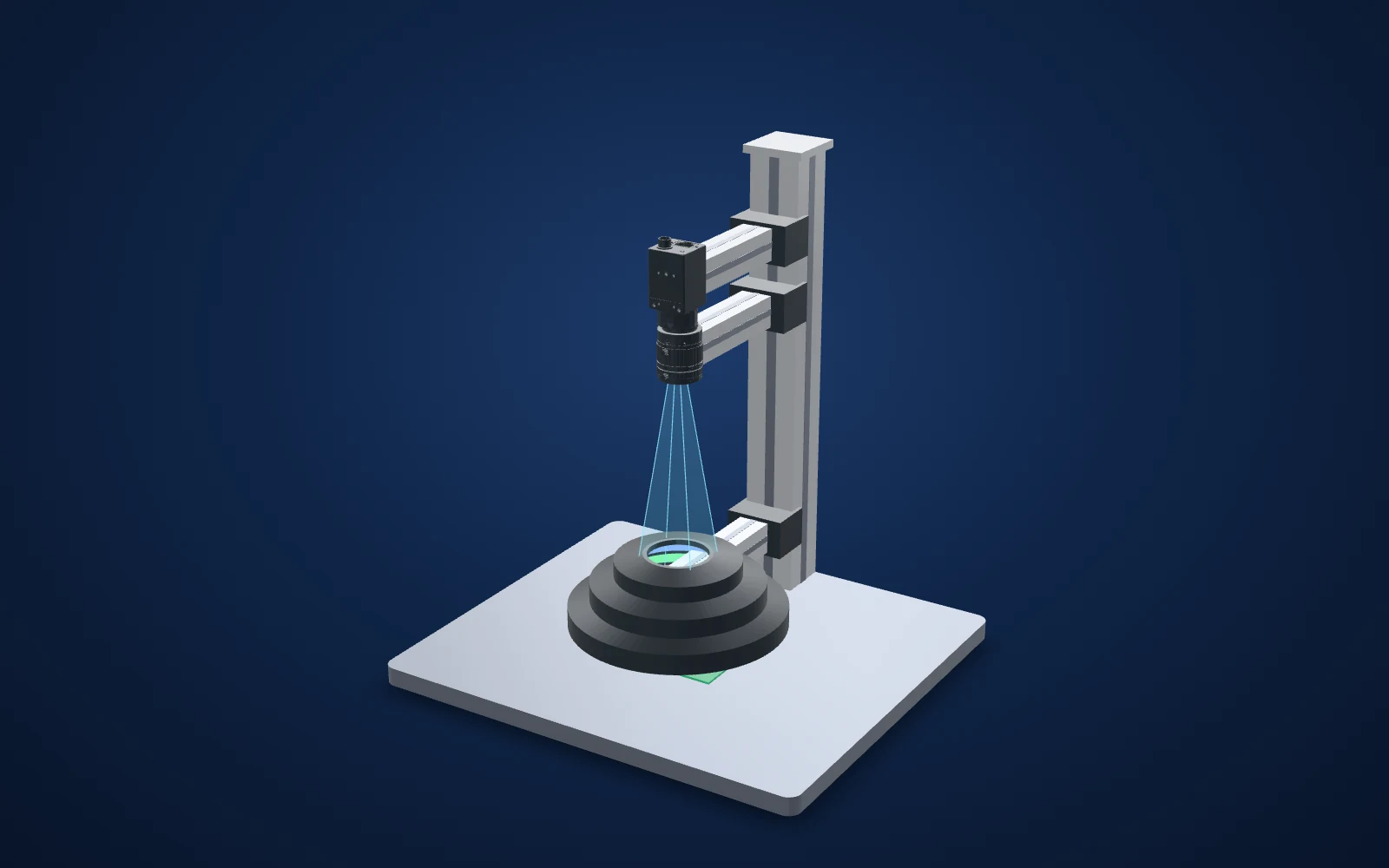 Drag to rotate · scroll to zoom
Camera and CAD lens geometry are published models where available. Light housings use printed dimensions; fixtures, parts, beam shapes and spacing illustrate the inspection principle. This is not an optical simulation or a dimensioned installation drawing.
Evidence you can inspect
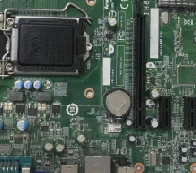
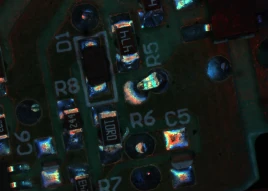
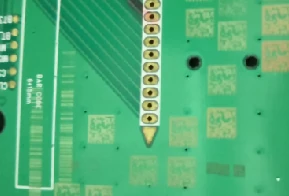
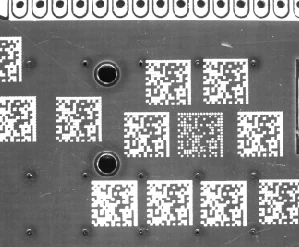
The solder capture shows coloured reflections at joints; the separate code capture shows printed-code contrast.
The source describes solder detail and colour changes, without an automated acceptance study.
RGB is a multi-ring build to confirm in the quote. The code-lighting example is a separate test, not another component of the solder setup.
What the camera saw
Cropped from the source test sheet; original test annotations are retained. Captures are not generated or enhanced. Drag the comparison slider or use the image buttons.
The challenge
Solder joints are tiny curved mirrors. Under one white light every joint glints, and an insufficient joint can look as bright as a good one.
The inspection has to judge the 3D shape of hundreds of fillets from a single top-down image.
How it was solved
An RGB AOI light such as the LS-AOI160 in its three-colour build puts its red, green and blue rings at different elevation angles. Each part of a fillet reflects only the ring that matches its slope, so flat tops, steep sides and the shallow toe come back in different colours.
The same board, seen with a colour camera, shows good joints with a consistent colour pattern; a missing or thin fillet breaks it. The test reported clear solder detail and defects found by colour change.
Why it works
- 1
Colour encodes slope: the camera sees surface angle, which is what tells a good joint from a bad one.
- 2
Several lighting directions can improve coverage around components. Tall parts can still occlude joints, so validate the populated board.
- 3
The 45 mm centre aperture leaves room for the lens's view straight down through the light.
What to validate on your part
A useful sample image is the starting point. These are the checks that turn the concept into a defensible inspection.
- 01
Use colour consistently
Lock white balance, exposure and RGB channel settings.
- 02
Test hidden joints
Include tall components, board warp and joints near obstructions.
- 03
Set defect criteria
Compare known bridges, insufficient solder and good joints; do not treat colour alone as proof.
The set-up and the parts
| Joint light | AOI light, RGB build (LS-AOI160) |
|---|---|
| Code light | High-power bar light at an angle (LS-4BRH15016) |
| Caméra | Colour area scan straight down through the AOI aperture |
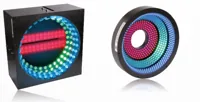
AOI light, 160 mm outside, 45 mm aperture, 55 mm high. The test used the RGB build; say RGB in your quote.
Configuration to confirmIn proposed setup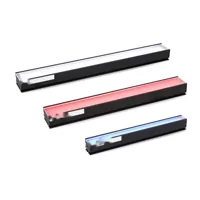
High-power bar light, 150 × 16 mm emitting face; white for the code test.
$119.00Separate test / alternative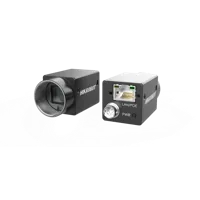
5 MP 2/3" colour (IMX264, global shutter): the method needs colour.
$679.00In proposed setup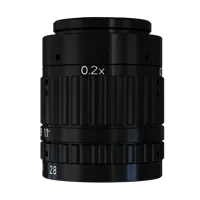
25 mm macro lens, 0.4x to 0.1x; a 60 mm field on a 2/3" sensor is about 0.14x.
$319.00In proposed setup"Tested" identifies the part named in the source. "Our pick" is a proposed alternative or supporting part. The quote includes only cards marked "In proposed setup", with the quantities shown; other test arrangements are separate. Confirm colour, optics, controllers, power supplies, cables and mounting before ordering.
About this case study: the photos and camera images come from the application laboratory of the maker of the lighting and optics we sell, imaged on the parts shown; your results depend on your part, camera and set-up. This is an application-lab study, not a LumaSpec customer deployment. Source figures are reported results; proposed components require a fresh trial. The 3D scene illustrates the arrangement and does not simulate imaging performance.
More case studies
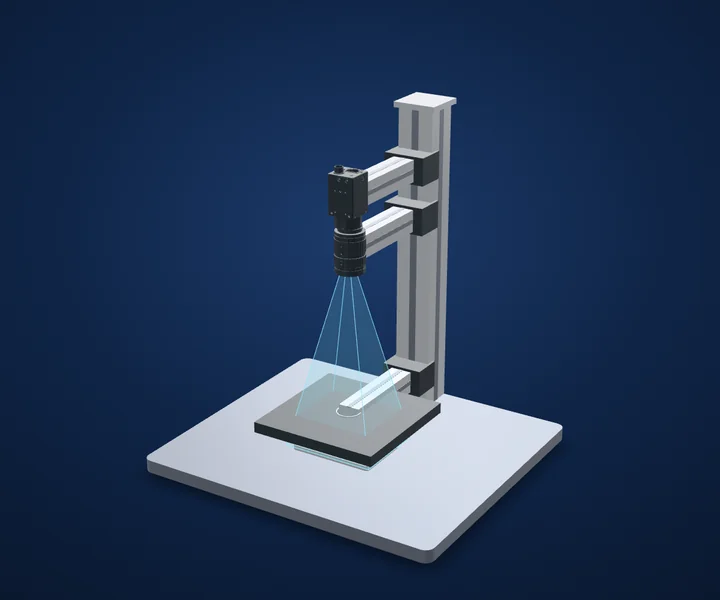
Battery welds and tabs
Control what shiny metal reflects.
- ÉclairageFlat dome, 100 × 100 mm emitting
- Taille140 × 140 × 11.5 mm
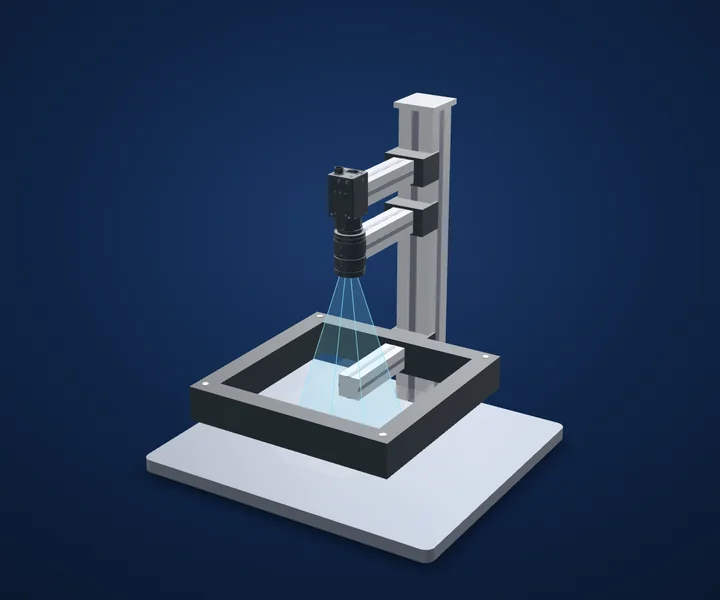
Scratches on machined metal
Choose lighting direction before adding resolution.
- Test lightFour-sided adjustable bar light
- Housing (spec)230 × 230 × 37 mm
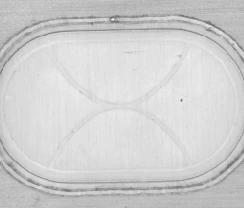
Polarizer-film defects in reflected stripes
Give a featureless surface a pattern to reflect.
- Light-to-part (as tested)100 mm
- Exposure (as tested)8,000 µs / 8 ms
Make the next trial specific.
Tell us the part size, smallest defect or tolerance, available working distance, material and line speed. Include what a good part and a reject look like.
Discuss your applicationConfigurer un système